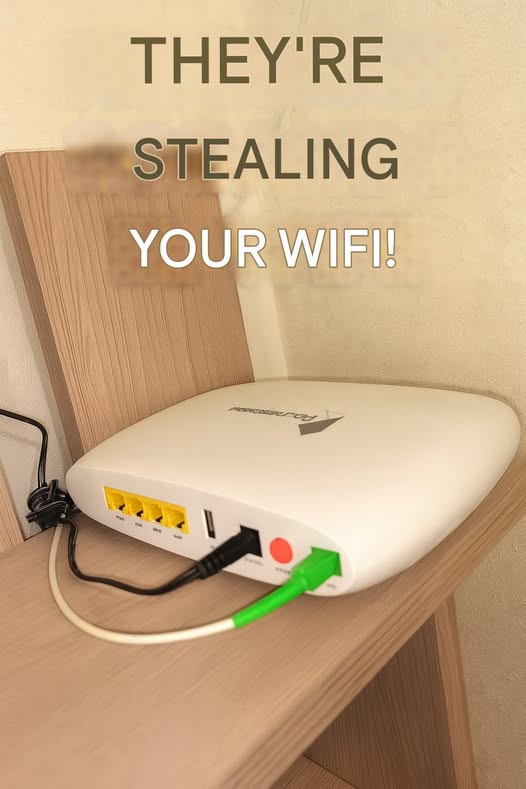
Step 1: Check Your Devices
Open your router’s admin page (usually by typing 192.168.1.1 or 192.168.0.1 in your browser).
Log in using the credentials on the back of your router.
Look for a section called “Connected Devices” or “Device List.”
If you see unknown devices (weird names, phones, or computers you don’t own), someone might be using your Wi-Fi.
Step 2: Quick Mobile Check
